
Blog | Spring 2026 Software Update

Spring has sprung, and so has your next FREE update to the Virtual CRASH assets library, along with several new features and improvements. Look for this release in May, bringing fresh content for VC4, VC5, and VC6 users. Here's what to expect.
New vehicles | VC6
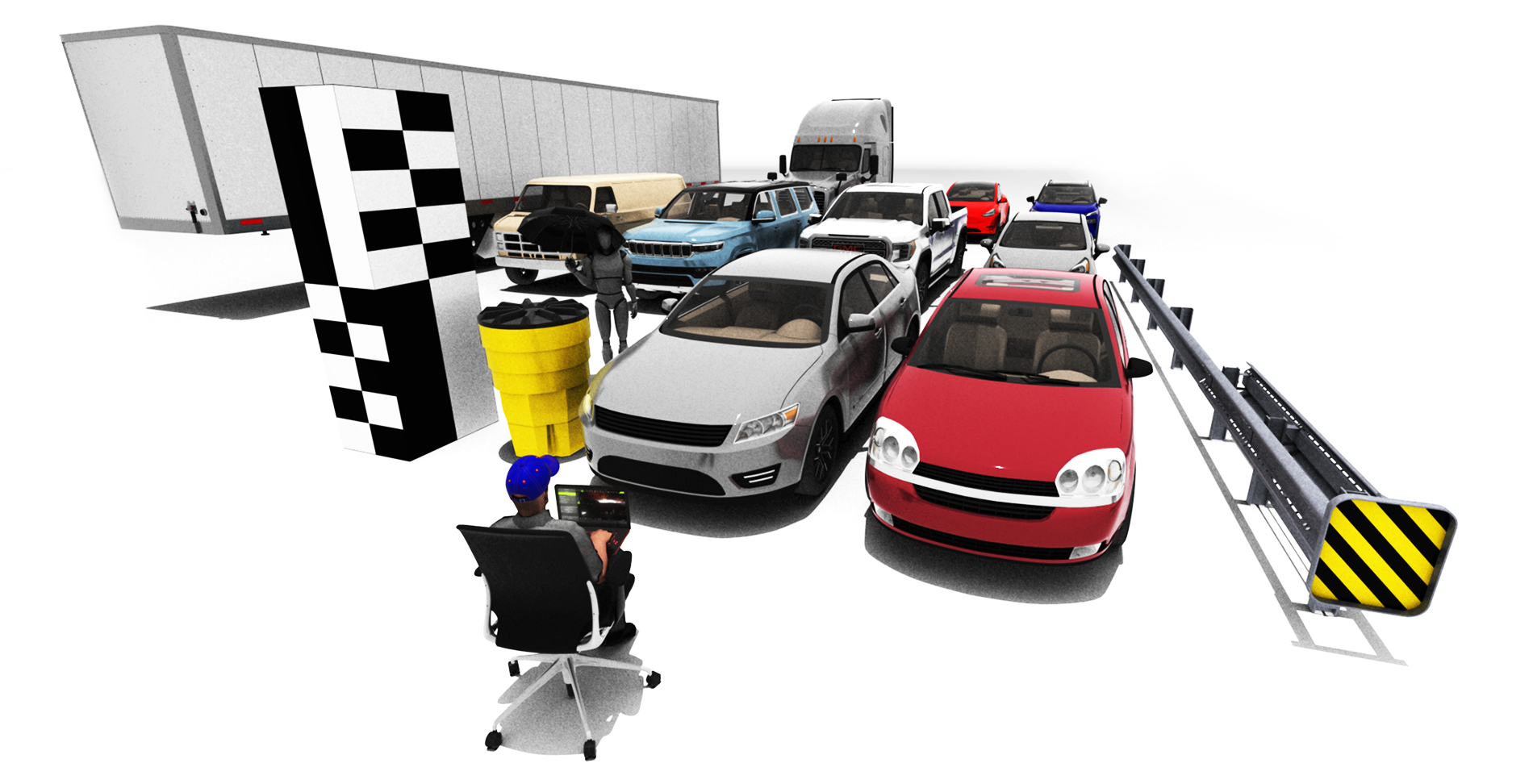
Chevrolet Malibu (2004)
Generic Sedan (2012)
New Material | VC6
assets > materials > miscellaneous: scale bar (you can drag and drop directly onto 3D box objects)
New Objects | VC6
assets > other 3d > barrier: crash barrel, W Beam Guardrail End, W Beam Guardrail
assets > other 3d > household: office chair
assets > other 3d > miscellaneous: laptop, umbrella
assets > other 3d > clothing: baseball cap, baseball cap uf
New vehicles | VC5
Chevrolet Malibu (2004)
GMC Panel Van (1994)
Jeep Wagoneer (2022)
New vehicles | VC4
GMC Panel Van (1994)
GMC Sierra (2018)
Jeep Wagoneer (2022)
Kia Rio (2012)
Nissan Rogue (2021)
Tesla Model Y (2020)
Semi Trailer (2014)
Freightliner Cascadia (2007)
Features | VC6
Improvement to link feature
You can now ctrl+left-click when linking objects to place the child (including cameras) in the parent's local frame while preserving the child's original position and orientation. This makes posing child objects much easier. You can learn more about linking here (learn more).
Improvement to Object Tracking
The “manual track point” feature now allows you to select the same pixel on the image plane successively when tracking a stationary object. In the simple example below, we see the estimated speed for the DSR wheel is at 0 mph at rest. You can learn more about the Easy Video and Image Analysis tool at this link.
Tire Marks
By default, tire marks appear when the ratio of total tire force to adhesion exceeds 95% of dynamic loading at the contact patch (learn more). This threshold is now adjustable via the "visibility threshold" slider (note: values up to 200% can be entered manually in the input field). Users can also opt to have tire marks appear when the ratio exceeds the threshold of static loading at the contact patch. In the example below, the red vehicle uses a dynamic loading threshold while the blue vehicle uses static loading.
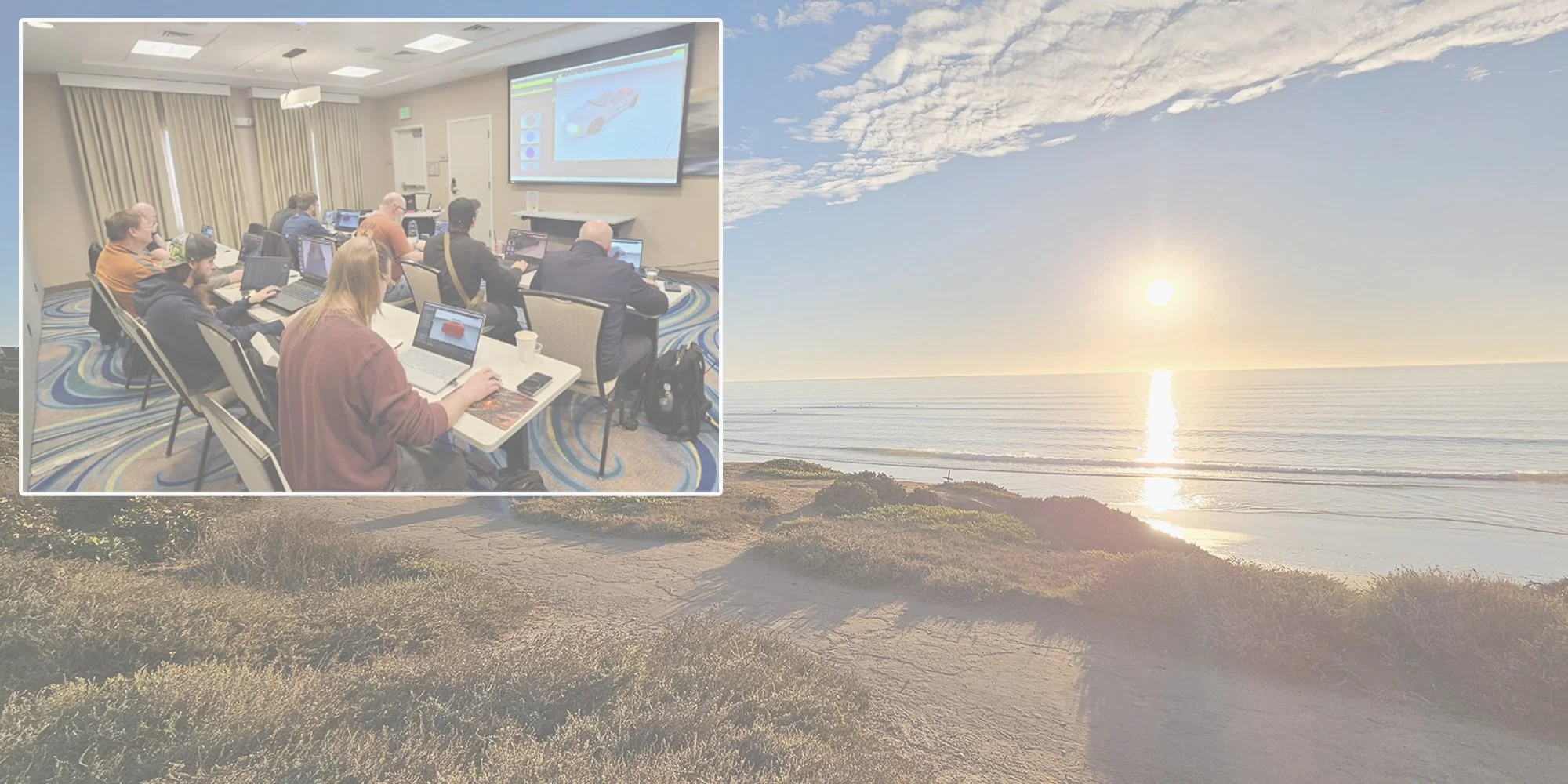
Upcoming in-person training classes



Other updates
Direct light / skylight rendering improvement: Points behind transparent material no longer appear at maximum size when rendered in direct light or skylight (learn more about rendering in VC6). The example below shows a scene rendered through a transparent windshield in skylight render mode, before and after the update.
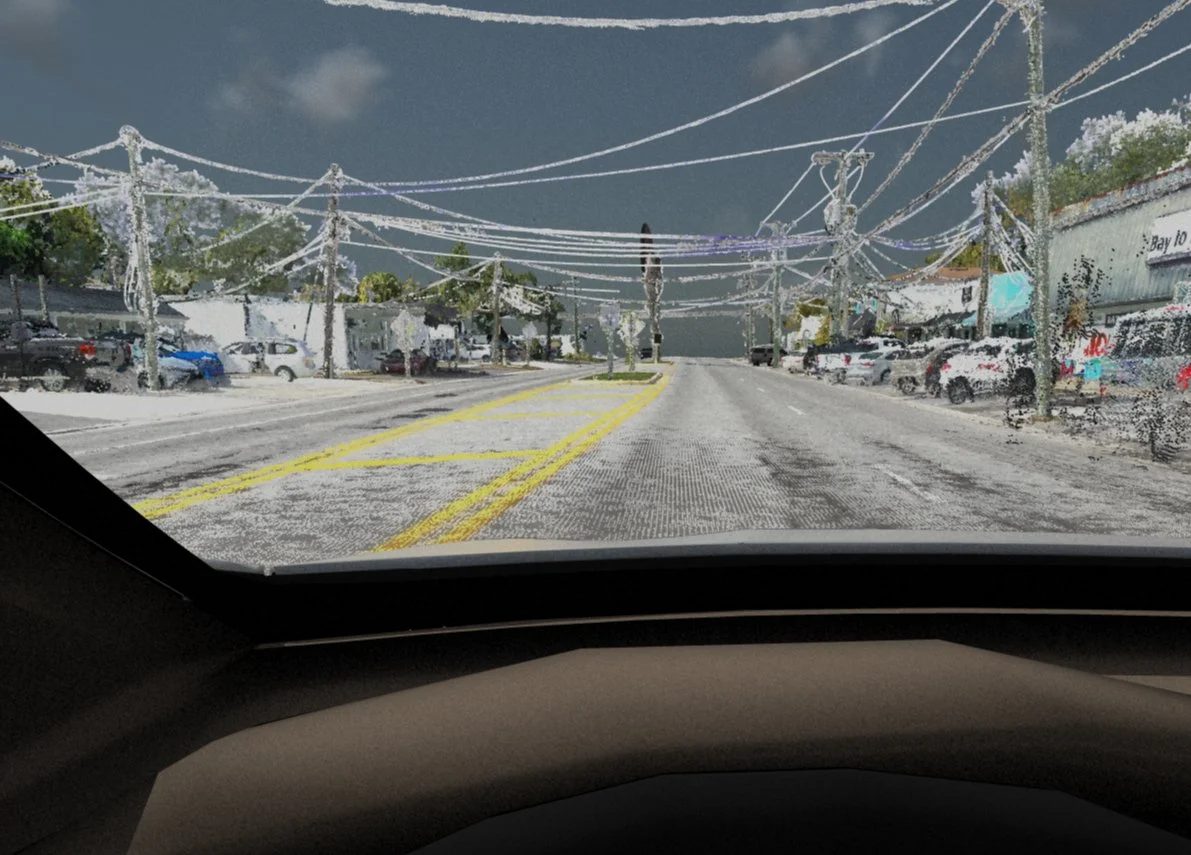
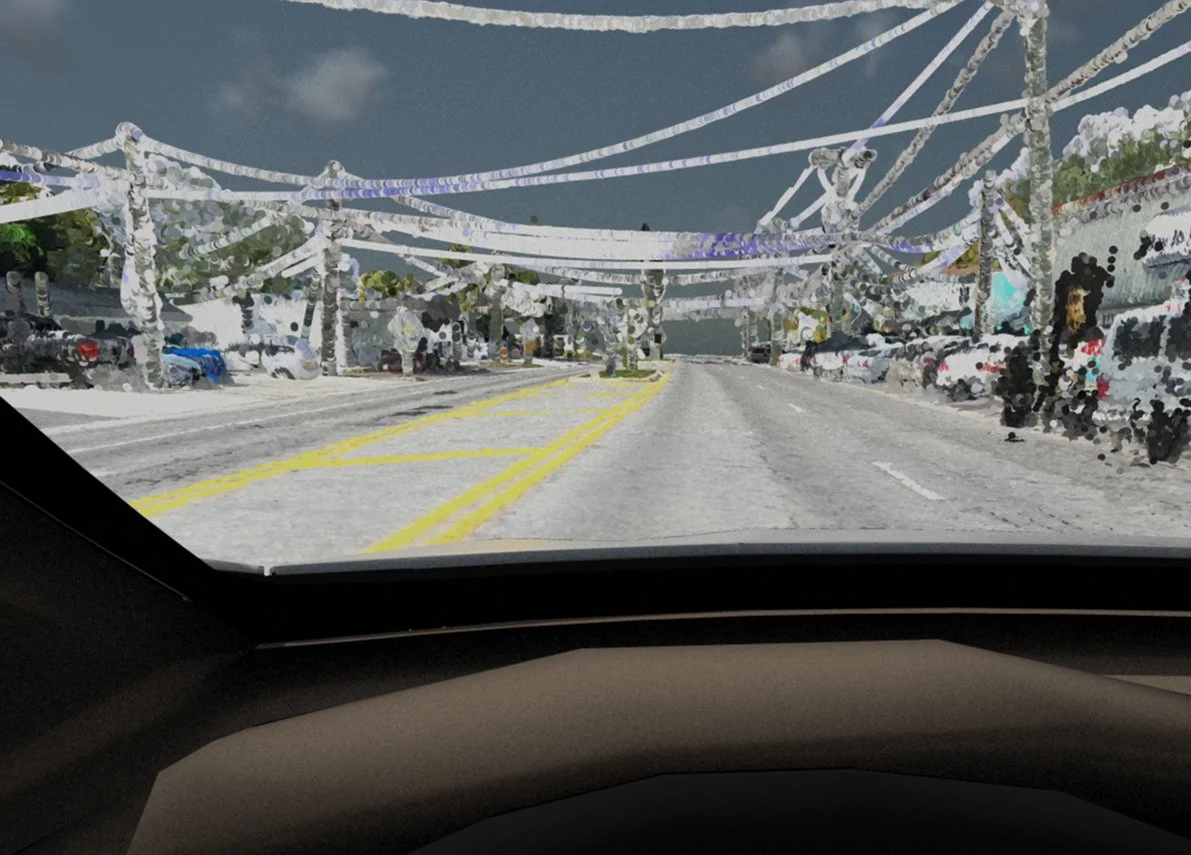
Round points can be selected in the display menu.
Optimization can be toggled in the display menu (disabled when rendering from the animation menu). When optimization is disabled, real-time playback may be slower, but flickering effects will be minimized and point clouds should appear improved in renders.
These new features are demonstrated below:
VC6 | VC5 | VC4 | tmeasy > misc menu:
"use tangent slip angle" toggle: uses the tangent function rather than slip angle normalized by 90 degrees
"ratio to min slip" toggle: uses an improved wheel ratio to longitudinal slip estimator
Interested in scheduling a customized training class for your organization?
Reach out to sales@vcrashusa.com!