
Easy Video and Image Analysis.
Interactively orthorectify video frames and overlay them on your scene data to measure vehicle positions and speeds. Solve for camera positions, project images and video back into the 3D scene, and add 3D object overlays for more detailed analyses. Vehicle speeds can be obtained through conventional object tracking or with Projected Length Analysis methods such as the cross ratio.

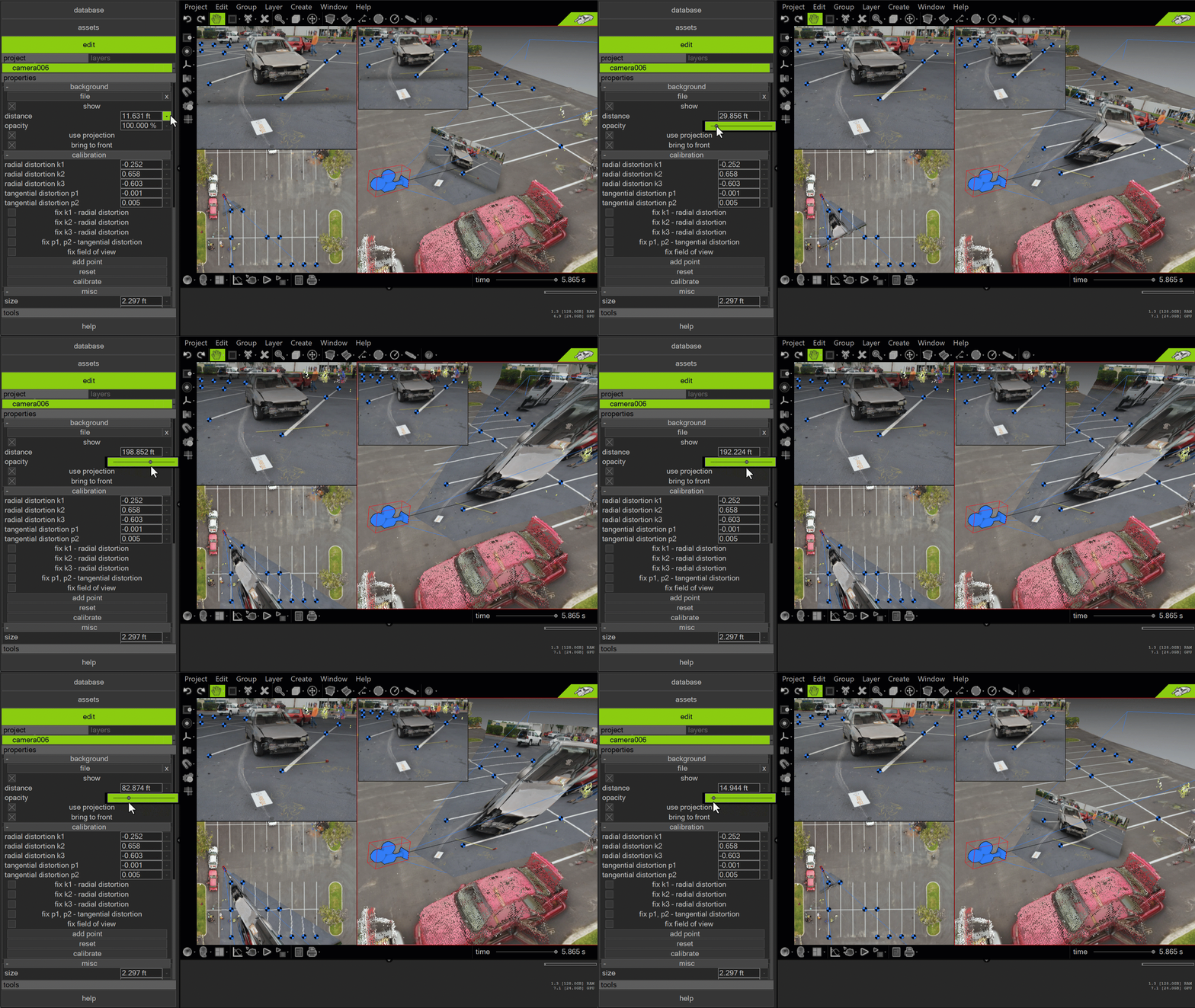


In the example below, we use the WREX 2023 crash test 3 orthomosaic and align it with one of the videos using clear reference points. Additionally, we have the scanner-based point cloud of the 1956 Ford Victoria. By combining the Ford point cloud with the video background of our calibrated video, we can determine the Ford's positions as a function of the frame number. This is demonstrated in the video below.
In the example below, a cell phone photograph taken after a crash, along with survey data, is used to determine the rest position of the depicted vehicle.
In the scene below, reference points were matched between Google Street View imagery and survey data collected using a laser scanner. These reference points were then used to calibrate the camera in Virtual CRASH. By projecting the Google Street View imagery back into the scene, an immersive 3D environment is created.
The video below shows a 3D motorcycle object superimposed over a crash test video, which is projected back into the scene and texture-mapping the terrain mesh. The camera view is that of the calibration solution.
Using the camera calibration and matching workflow above, one can superimpose Google Maps imagery (learn more) with Google Street View images screen-captured from a web browser.